My career history through software
2026-06-20 15:43
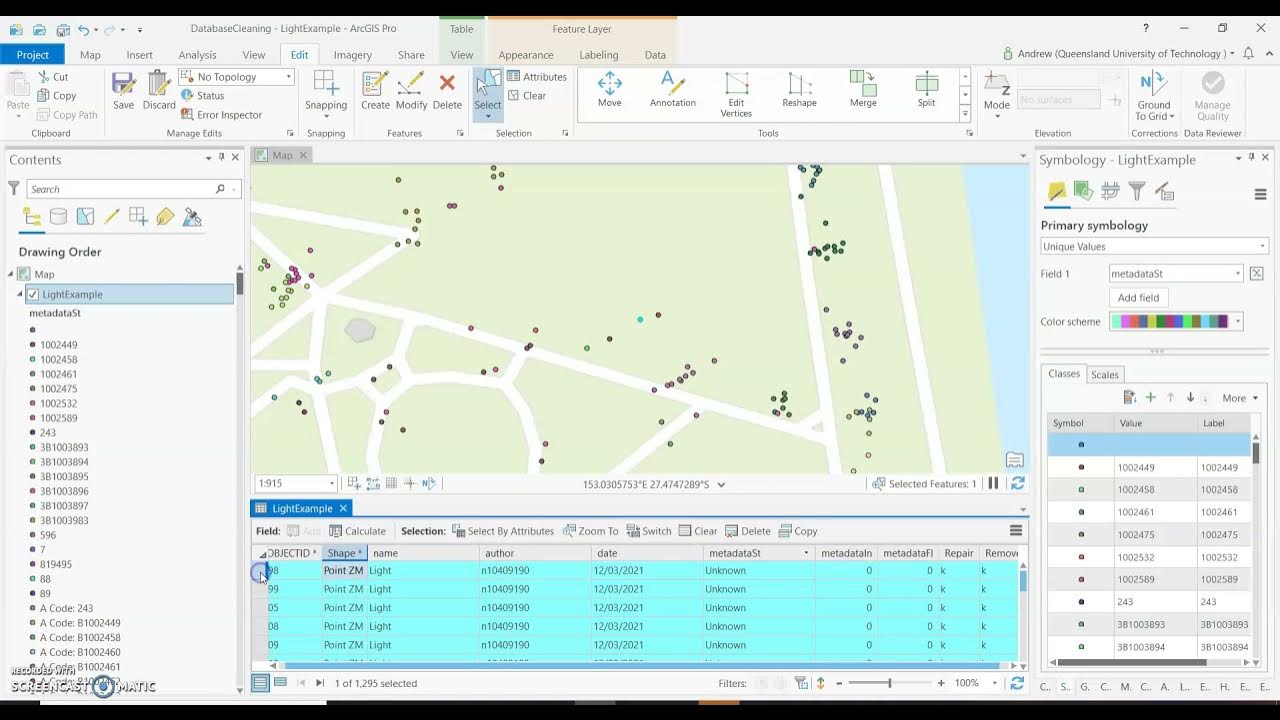
A big part of what I enjoy about all my previous jobs is that I get to become familiar with a whole lot of big and small software packages that enable me to do my work. This is a brief history of what I've used, after my landscaping and farm-hand days, when I started work that involved a computer. A lot of these are quite hefty tools, and I always used just a fragment of their capabilities. It was both fun and frustrating at times. I certainly don't miss the spinning wheel in ArcGIS Pro. The most enjoyment I got was working at the fringes with custom scripts that integrate with the tools, or data migrations from on software to another where you really get to know the underlying architecture, and the data itself. Screenshots are from their official websites, otherwise mentioned at the end.
2009 -> 2019 - Spatial Information Officer -> Spatial Technician -> Technical Surveyor
Maps and surveying! I loved this stuff. The perfect blend of indoors and outdoors, technical and physical, land and software. I started with a 2 year traineeship in GIS, rotated around teams of spatial technicians, surveyors, and digital imagery and LiDAR acquisition and processing teams. I eventually landed in the Surveying team where my skills and interests gelled the most.
In a nutshell my role involved field trips around NSW capturing survey data for imagery and elevation programs, processing data in the field and then back in the office, ingesting that data into the state's survey database (SCIMS), and continued maintenance of that database, which is used by public and private surveyors.
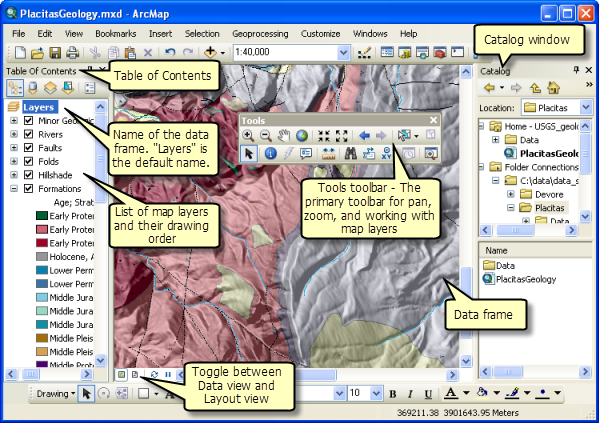
ArcMap was the main tool we used to view our data. We had SCIMS layer of course, but also the rest of NSW's public data - roads, property parcels, points of interest, water bodies, etc, which was all part of the Digital Cadastral Database (DCDB) and Digital Topographic Database (DTDB). We made packages of maps we took in the field, with existing and planned survey networks overlayed. Both printed copies and digital, which we uploaded to our Toughbooks, alongside survey mark sketch plans, property owner contacts, safety and risk management documents, and accomodation and timeline details.
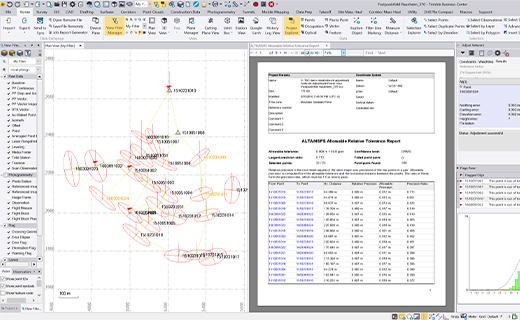
Trimble Business Centre - I didn't use this a huge deal, as we processed our survey data using GeoLab and other in-house software, though we still ran it through here before injesting it into those. From memory, here we could identify poor GNSS results from our Trimble data in order to determine what was good for survey control or floated points, which we'd then process in a least-square adjustment.
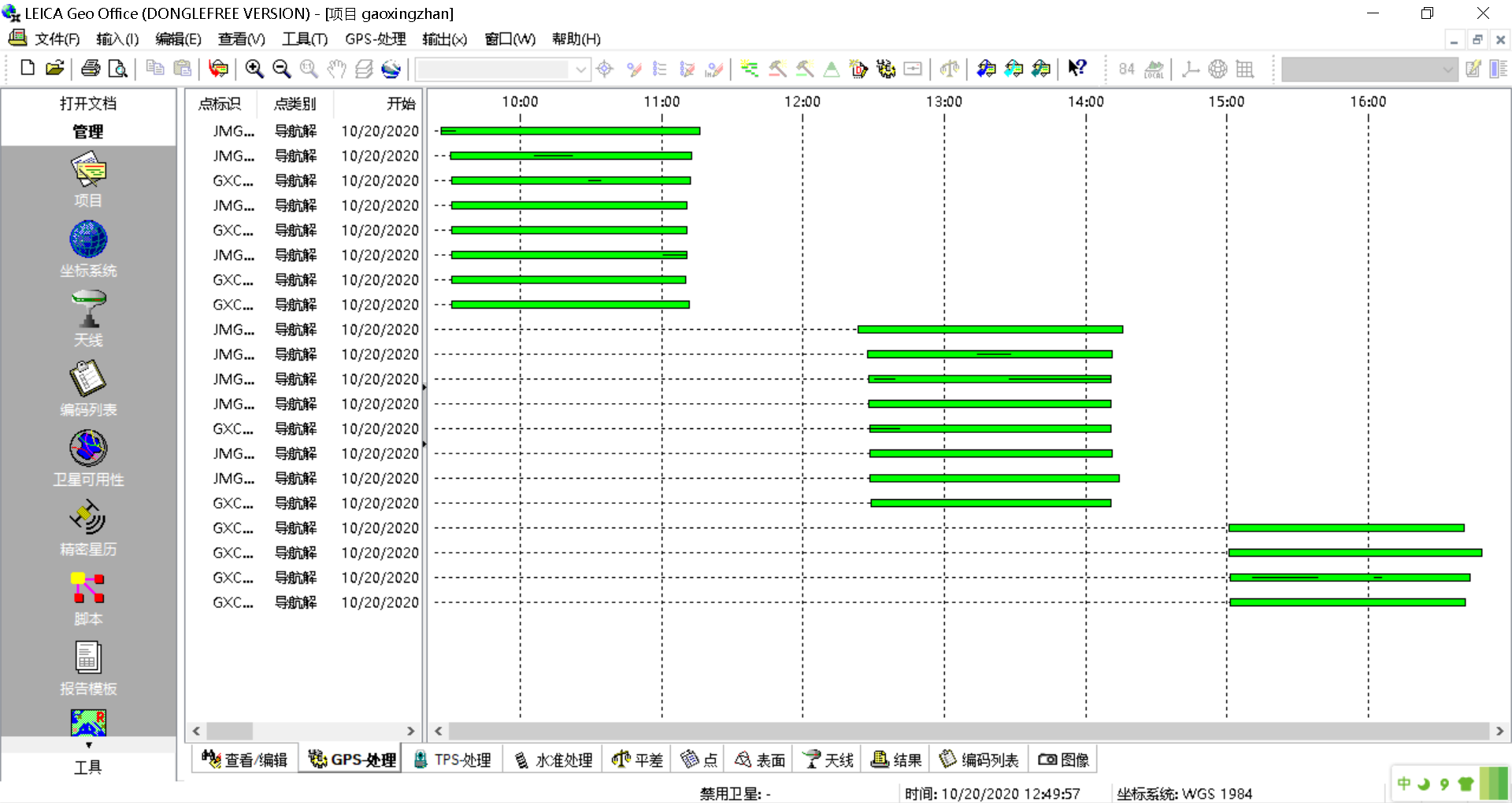
Like TBC, but for our Leica survey equipment, we used Leica Geo Office.
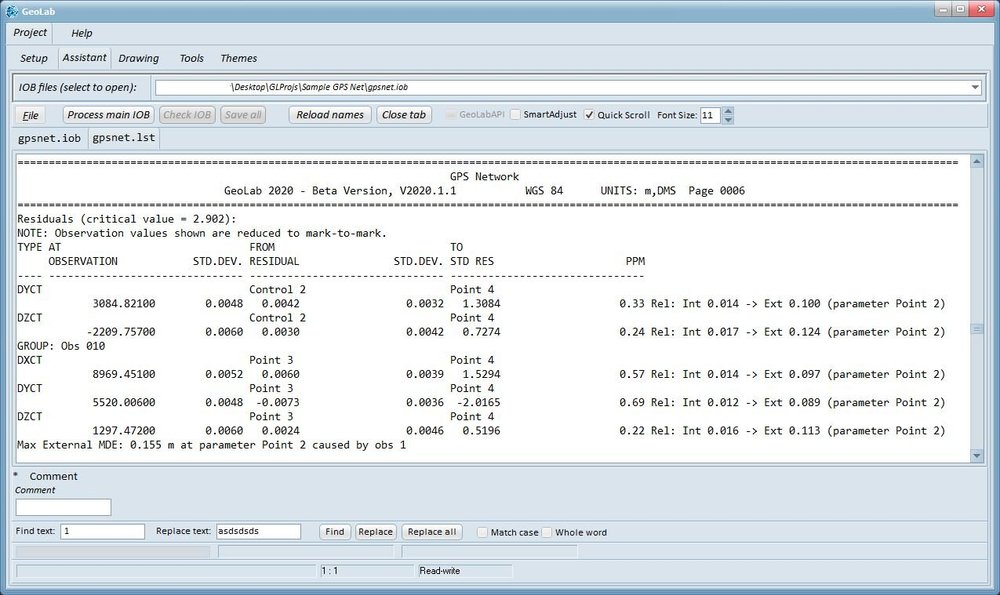
GeoLab is where we did our least-square adjustments to get our final horizontal/vertical co-ordinates, alongside statistical reports we could analyse before accepting, and adjusting data accordingly. We then wrote up a report explaining our findings and why we have recommended class and orders types to our network of survey marks. This went into a queue to be reviewed by a senior surveyor before making it into SCIMS. It was a very thorough process.
2019 -> 2023 - Parks Analyst
This role was primarily managing park and reserve data for our local district Council. The main repository was again in ESRI's Arc suite, but across the organisation there was other suites for asset management and financial teams, so I regularly worked on the fringes there too, helping with data migrations and syncing programmes. Sometimes we pushed data out to other organisations as well.
While my previous job back in NSW were slowly starting their transition from ArcMap to the more modern ArcGIS Pro, here in Council we were already there. Again, I had various datasources loaded into my maps. I was the only one with editing rights outside of the GIS team who managed permissions across the organisation, and who I also worked very closely with. I did a few little python scripts to work with our geodatabases, usually building from within ArcGIS Pro using Notebooks and the Python window.
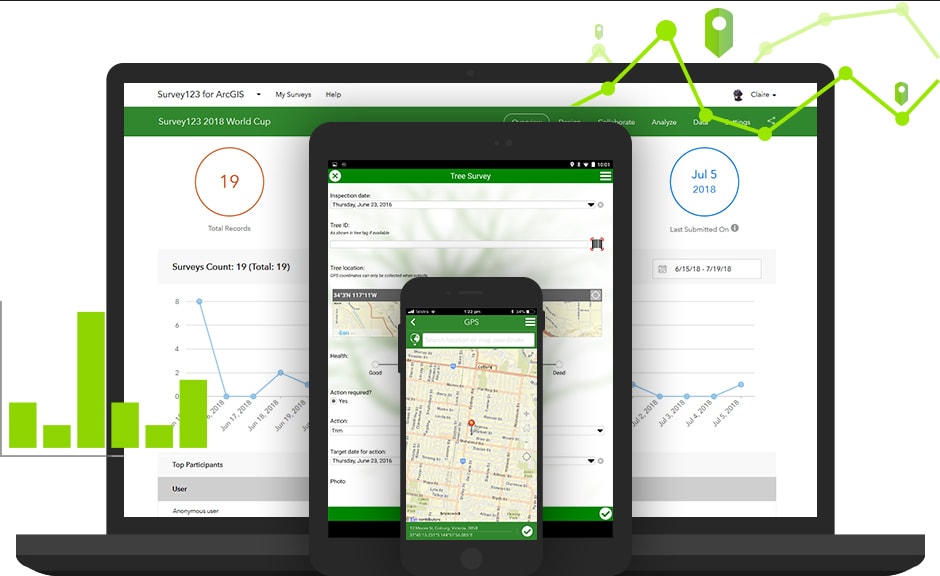
I created a bunch of forms for capturing data in the field using Survey123. These went out to our maintenance contractors (gardeners, cleaners, sports field specialists, tracks and trail maintainers) to capture completed works aligned to their contract with Council, and asset condition assessments. I built a bunch of custom scripts to smoothly injest this data back into our asset database. I also created auditing forms for the contracts team to audit contractor work, with reporting platforms showing results for monthly contract meetings. I had a lot of free reign here, and drove a heap of improvements I'm quite proud of, which to my understanding are still being used.
2024 -> 2026 - Cable Infrastructure Technician
Completely new industry for me here. All about integrated "smart home" systems. Primarily we install physical KNX devices through the home (din rail modules in switchboards, manifolds and data racks; pucks behind regular light switches, and actual KNX light switches and touchscreens). KNX is the communication protocol that travels through a twisted pair copper bus. In addition to the physical wiring, all devices need paramaterising and programming.
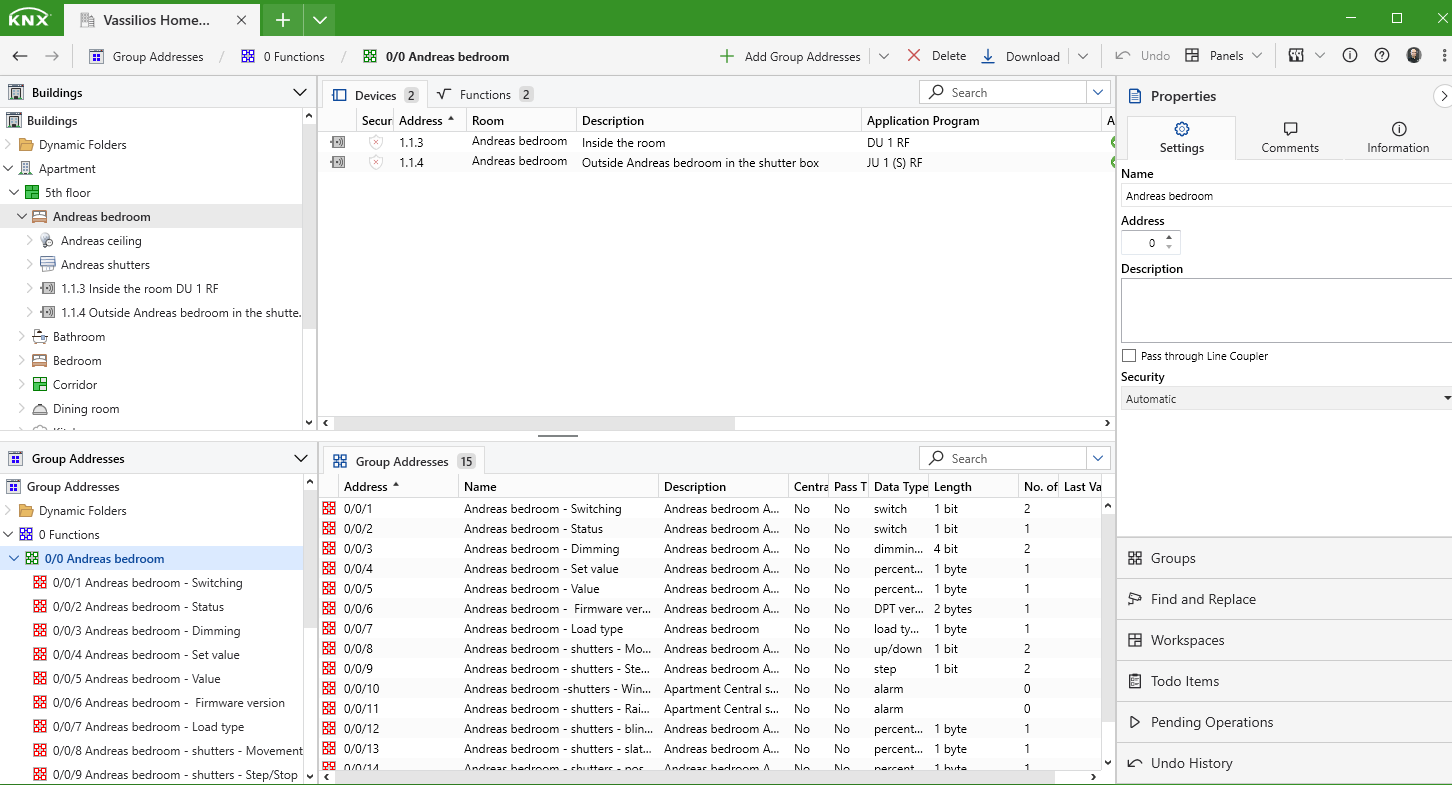
ETS was the tool. Here we add all devices, assign them to lines and rooms, give them individual addresses, paramaterise to perform their functions, then assign group addresses (the addresses the devices listen for), the group objects which relate to those functions. It gets really complicated when you're doing things like underfloor heating, reading temperatures off probes under the floor and air temps from keypads, and the state of an air conditioning unit, to determine if the valves in a manifold should be turned opened or closed, and pass that feedback to local and remote touch screens. There's also "scenes" like turning the whole house lighting on or off, or set a "mood" like "relax" which turns on LEDs at the drinks cabinet and setting dimmers at 50%. When devices don't do things you want out of the box, you can build logic to add even more complexity. The software can monitor the bus live off the WiFi, or if there's an IP interface installed you can log in remotely. Useful in the early stages when clients are getting used to their system and start requesting tweaks.
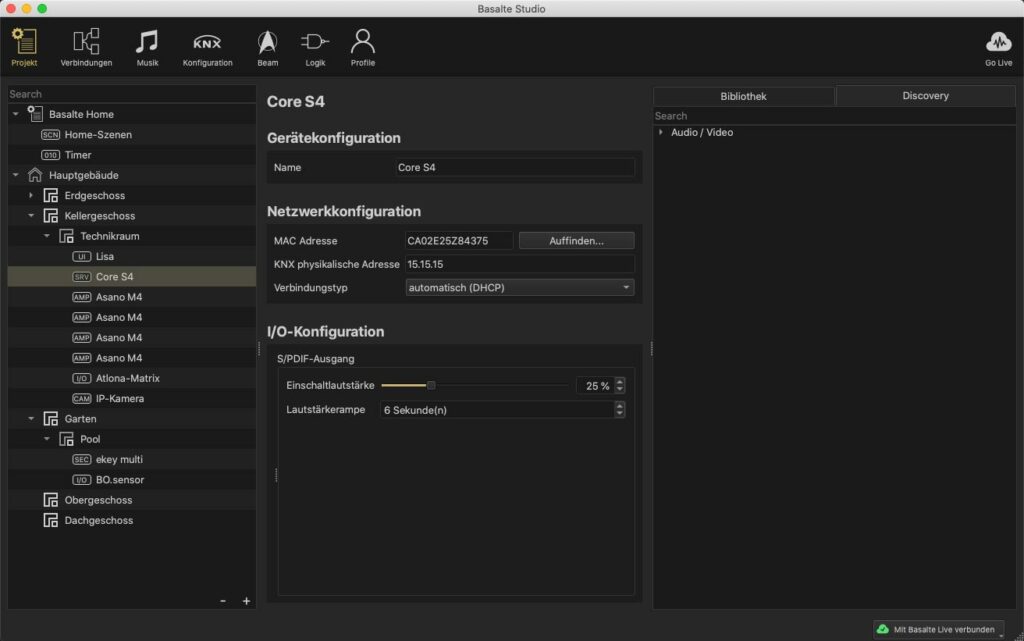
We used a lot of Basalte lightswitches and touchscreens, which has it's own software to configure called Basalte Studio. This integrates with the group addresses in ETS, so you have further scene development, touchscreen GUI configuration, and audio/visual settings if using the Basalte server and amps. You can import an ETS project file to see all the group addresses, and similar to ETS you can paramaterise devices and assign those group addresses. This means if a button is pressed on a Basalte lightswitch for example (programmed in Basalte Studio), the KNX switching group address assigned there will respond by switching an output on a dimming module in a din-rail which was programmed in ETS and wired into a lighting load. There is no documentation for Basalte Studio, which is an absolute joke.
There is so much more software that I popped in and out of, like Technology One for financials, OpusXenta's byondpro for cemetery database management, ERDAS Imagine for imagery processing and Bentley's MicroStation for LiDAR processing, but the ones above are the ones I had most to do with.
I've always pushed the tools to their limits, regularly finding bugs or glitches that the IT teams sometimes assisted me with, which in turn built some pretty good relationships. It also gave me a heap of opportunities, being pulled into fun data projects not always within my team, or given the more technical jobs that others don't really want a part of anyway. I guess there's something in that which I'll carry into my next chapter in life.
This was fun remembering some of those older tools and how I used them. Maybe I'll do one on hardware.

Photos that didn't come from the official sites: